
Before buying an RTX 5090, validate PSU, cabling, cooling, and bottlenecks so you don’t overspend.
06 Feb 2026 · Syatek
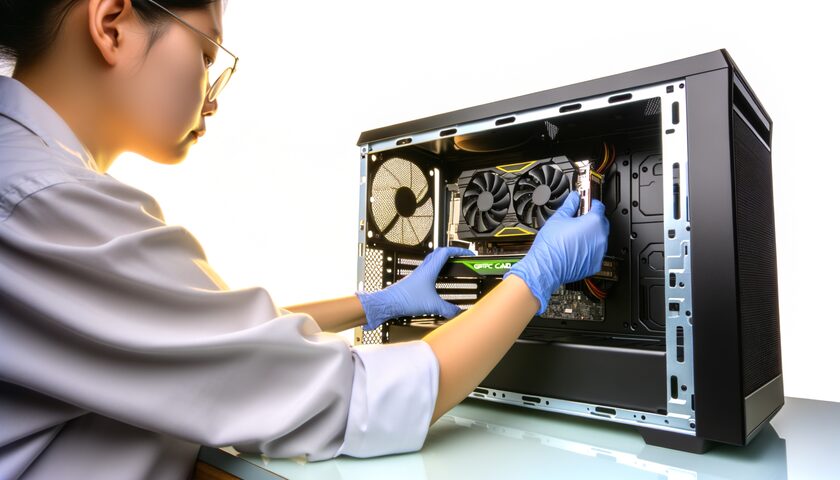
When a flagship GPU like the RTX 5090 becomes the center of attention, most conversations focus on FPS. But for most buyers—and for any business building workstations—the real issues are: compatibility, power delivery, thermals, stability, and total cost of ownership.
Some custom cards push power far beyond reference designs. For example, Tom’s Hardware documents a limited edition model with dual 12V‑2x6 connectors and dramatically higher power limits—changing what kind of PSU, case, and cooling you need to run it safely and consistently.
For gaming you want stable frame times and manageable thermals. For professional work, stability is king: drivers, long sessions, thermal control, and reliable backups. If your income depends on the machine, “fast but unstable” becomes expensive.
Before spending on the most expensive GPU, we do a quick diagnostic: actual bottleneck (CPU/GPU/RAM/SSD), temperatures, power draw, and compatibility. That lets you pick the smallest upgrade that produces the biggest improvement—and avoids impulse buys.
The RTX 5090 can be incredible, but the whole build defines the experience. Buying smart means validating power, cooling, compatibility, and your real workload.
- Tom’s Hardware: MSI GeForce RTX 5090 Lightning Z review — https://www.tomshardware.com/pc-components/gpus/msi-geforce-rtx-5090-lightning-z-review
Read this article
Read this article
Read this article
If you want, we can review your current operation and propose a clear plan to improve control, speed, and continuity.